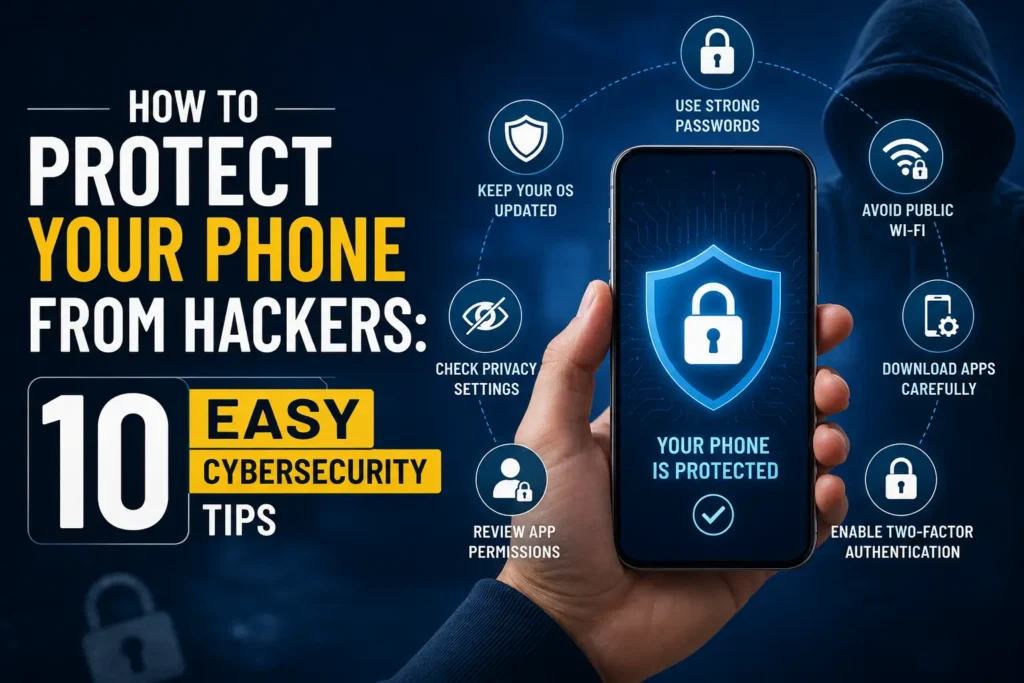
Your phone has a lot of stuff on it like photos, emails and private messages. If your phone is not secure bad people might try to get to this information. The good thing is that you do not have to be an expert to make your phone safe these few simple changes can make a big difference. In this guide you will learn how to protect your phone from hackers with 10 tips.
Thank you for reading this post, don't forget to subscribe!Use a Strong Screen Lock
Your screen lock is the thing that keeps your phone safe and do not use codes like this 1234 or your birth year. use a code that other people cannot guess.
If your phone have fingerprint or face unlock feature then you can use it with a backup code.
Keep Your Phone Updated
When your phone gets updates, it is not just about new features. These updates can also fix problems that bad people might be use to get your phone info.
Check your phone often updates from the operating systems security apps and browser then turn on updates when you can.
Keep your phone updated is one of the ways to make your phone safe.
Install Apps From Trusted Places
Be careful when you download apps. On Android get apps from the Google Play Store. Do not download apps from websites unless you really trust them.
Before you download an app check who made it what people say about it how many people have downloaded it what it can do on your phone and if it has been updated recently.
A bad app can put your information at risk.
Check What Apps Can Do On Your Phone
Many apps want to use things like your camera, microphone and location.. Not all apps need these things.
For example a simple calculator app doesn’t need to use your microphone or location permission is on.
Check what apps can do on your phone and take away permissions they do not need.
Use Two Factor authentication
A strong password is important and adding another layer of the security makes your accounts much more safe.
The two factor authentication means you need to add an extra step to get your account into for example you might be need to enter a code or approve it in another device.
Use two factor authentication is on in these accounts like your email social media and bank accounts.
Do not click on links
Some bad people try this trick into giving them your passwords or personal information. They might be send you a message that says your account will be closed. You won a prize.
Don’t click on these links because it looks important first you go instead to the website or app and check if there is really a problem.
Be careful on public Wi Fi
Using Wi Fi can be convenient but you should be careful and Do not enter information on a public network unless you have to.
For things like banking use your mobile data or trusted network.
Also turn off your phone ability is connect to Wi-Fi automatically when you are not using it.
Use A Password Manager
Remembering that a strong and unique password can be hard a password manager can help you create and store passwords for different accounts.
Use a password for each important account. This way if one account gets hacked the others will be safe.
Turn On Find My Device
May be your phone lost or stolen you can use these features to locate it or lock it remotely. Make sure these feature is turned on before something happens to your phone. Also use a screen lock so someone who finds your phone but cannot get into easily.
Don’t give him your Phone to People that you Don’t trust
Letting someone you do not trust use your phone can create security problems. Don’t leave your phone unlocked you give it to someone you don’t know well. If you need to shear your phone with someone so lock apps or use privacy features.
Remember, keeping your phone is safe or not just about online security. You also need to protect it
How to know if your Phone is may be hacked
If your phone is acting strangely it might be hacked then look for things like apps you did not download unexpected popups or unusual battery drain.
These signs can also have explanations so do not assume your phone is hacked just because of one thing.
What you do if you think your Phone is hacked?
If you think your phone or your account has been hacked and act fast change your passwords from a trusted device turn on two factor authentication then remove apps and update your phone security.
CISA Mobile Device Cybersecurity Checklist
If you see activity on your bank account contact your bank using their official contact information.
Final Thoughts
Learn how to protect your phone from hackers is not hard first start with the basics and use screen lock keep your phone is updated and get apps from trusted places check app permissions and use two factor authentication and avoid suspicious links.
security method can not have guarantee that your phone will never be attacked simple These habits can reduce risks and keep your personal information is safe.
Quick Security Checklist
- Use a PIN or password
- Keep your phone updated
- Get apps from trusted places
- Check app permissions
- Use two-factor authentication
- Avoid links
- Be careful, on Wi-Fi
- Use unique passwords
- Turn on device-finding features
- Keep your phone secure