Close Menu
  • Home
  • Tech
  • AI
  • Cybersecurity
  • Windows
  • Android
    • Android
    • Headphones
  • Blog
    • Social Media
    • How to – Guides
    • Reviews
    • SEO & Blogging
    • Gadgets & Reviews
    • AI & Software
    • Uncategorized
    • blog
  • About Us
    • About Us
    • Write for Us
    • Contact Us
Facebook X (Twitter) Instagram
Facebook X (Twitter) Instagram Vimeo
Best tips technology
Subscribe Login
  • Home
  • Tech
  • AI
  • Cybersecurity
  • Windows
  • Android
    • Android
    • Headphones
  • Blog
    • Social Media
    • How to – Guides
    • Reviews
    • SEO & Blogging
    • Gadgets & Reviews
    • AI & Software
    • Uncategorized
    • blog
  • About Us
    • About Us
    • Write for Us
    • Contact Us
Best tips technology
  • Home
  • Tech
  • AI
  • Cybersecurity
  • Windows
  • Android
  • Blog
  • About Us
Home»Android»15 Android Hidden Features should you know in 2026
Android

15 Android Hidden Features should you know in 2026

adminBy adminAugust 3, 2026Updated:August 9, 20261 Comment5 Mins Read
Facebook Twitter Pinterest LinkedIn Tumblr WhatsApp VKontakte Email
15 Android Hidden Features should you know in 2026
Share
Facebook Twitter LinkedIn Pinterest Email

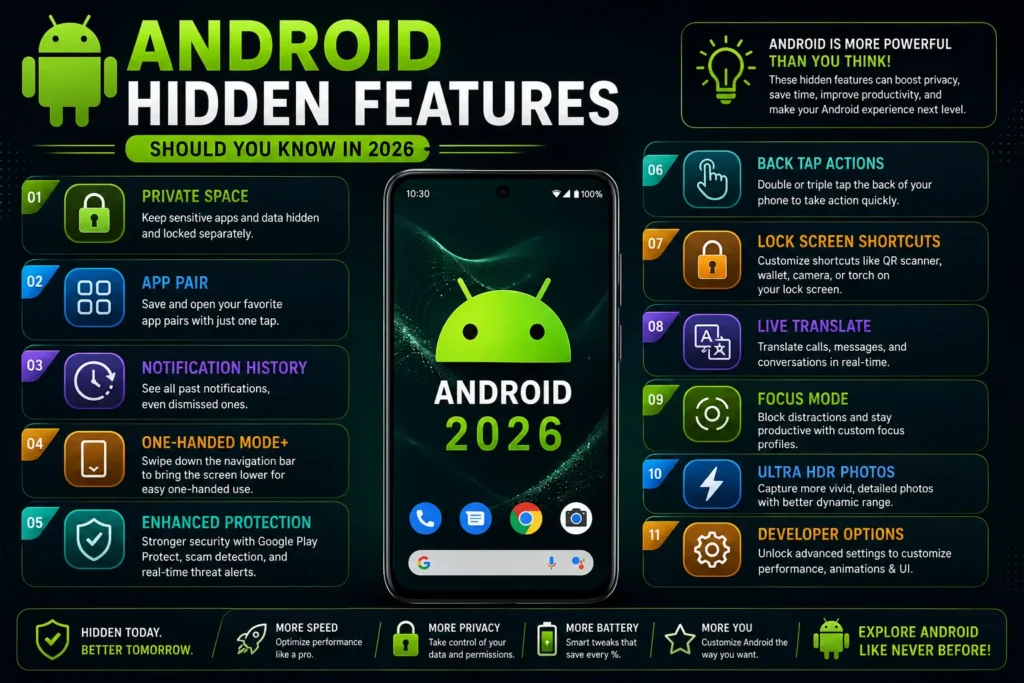
Smartphones are become a part of our daily lives. Most people use Android phone for calling, messaging browsing the internet and watching the videos. However Android offers Android hidden features that can improve your experience save time and even increase your productivity. The surprising part is that many users never discover these tools.

In this article we’ll explore the Android hidden features that every user should know. Whether you have a Samsung, Google Pixel, Xiaomi, OnePlus, Motorola or another Android device many of these features are available on your phone.

Table of Contents

Toggle
  • Android Feature: 1 Notification History
  • Android Feature: 2 Split Screen Mode
  • Android Feature: 3 Screen Pinning
  • Android Feature: 4 Live Caption
  • Android Feature: 5 One-Handed Mode
  • Android Feature: 6 QR Code Wi-Fi Sharing
  • Android Feature: 7 Focus Mode
  • Android Feature: 8 Nearby Share (Quick Share)
  • Android Feature: 9 Smart Lock
  • Android Feature: 10 Hidden Developer Options
  • Android Feature: 11 Digital Wellbeing
  • Android Feature: 12 App Permissions Dashboard
  • Android Feature: 13 Battery saver 
  • Android Feature: 14 Voice Access
  • Android Feature: 15 Emergency SOS
  • Why These Features Matter
  • Final thought

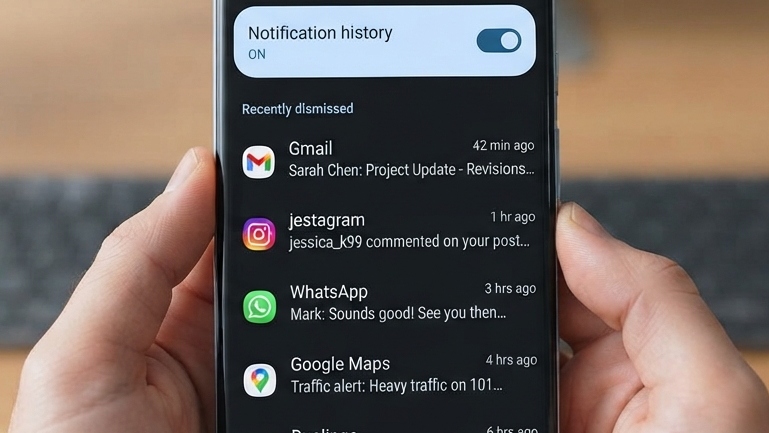
Android Feature: 1 Notification History

15 Android Hidden Features should you know in 2026

Have you accidentally dismissed a notification? Android has a built a Notification History feature that keeps a records of received notifications.

How to Enable It

  • Open Settings
  • Go to Notifications
  • Tap Notification History
  • Turn it On

This feature is extremely useful if you miss emails, messages or app alerts.

Android Feature: 2 Split Screen Mode
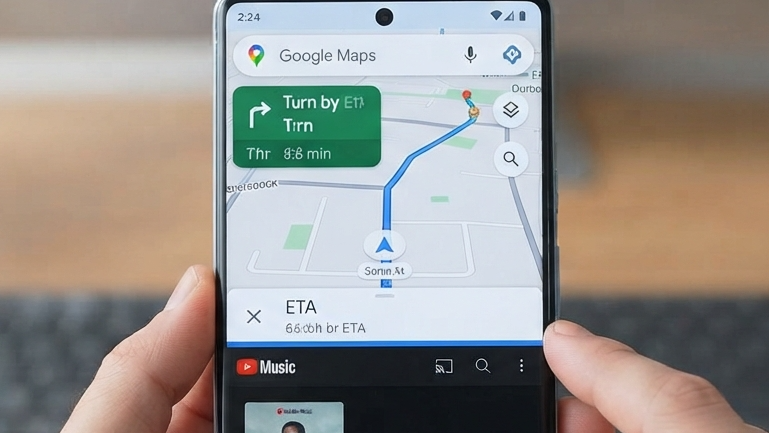
Split Screen allows you to use two apps at the time.

For example:

  • Watch YouTube while taking notes.
  • Browsing the web will you chatting with friends.
  • Compare documents side by side.

How to Use It

  • Open Recent Apps.
  • Tap the app icon.
  • Select Split Screen.
  • Choose another app.

This feature is perfect for multitasking.

Android Feature: 3 Screen Pinning
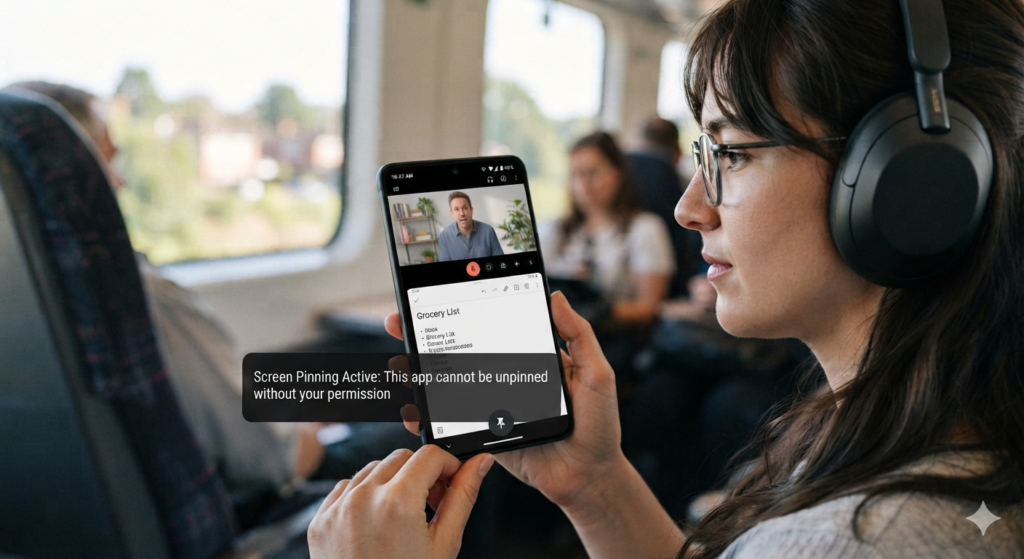
If your hand accidentally open your apps. Screen Pinning locks the phone to open app until you unlock it.

Benefits

  • Protect your privacys.
  • Great for children.
  • Useful when showing presentations or photos.

Enable it from:

Settings → Security → Screen Pinning

Android Feature: 4 Live Caption
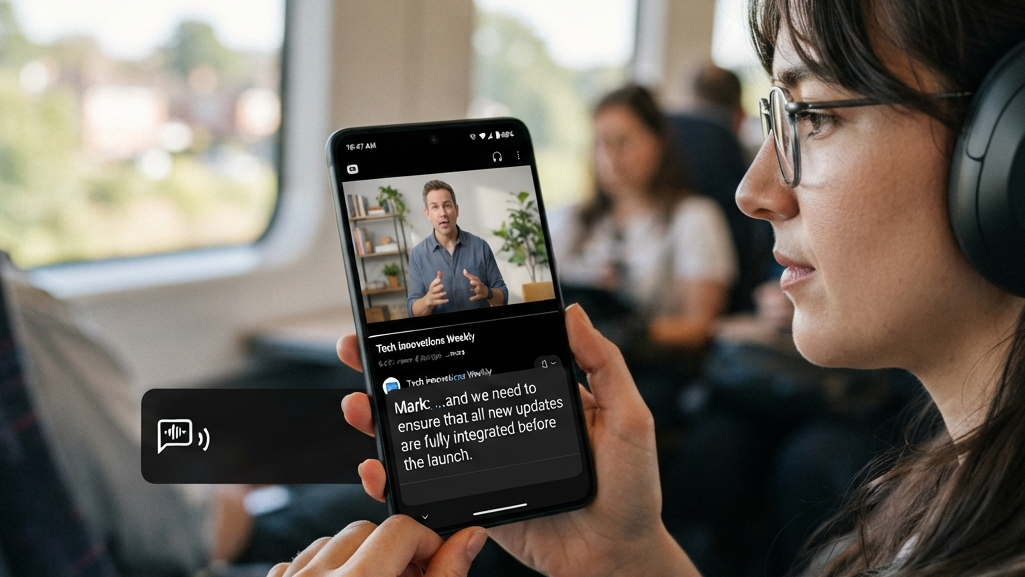
Android Feature: 4 Live Caption

Live caption can create automatically caption for videos, podcasts and voice messages even if you have no internet connection.

It’s especially used full for:

  • Watching videos in places.
  • People with hearing difficulties.
  • Learning languages.

Android Feature: 5 One-Handed Mode
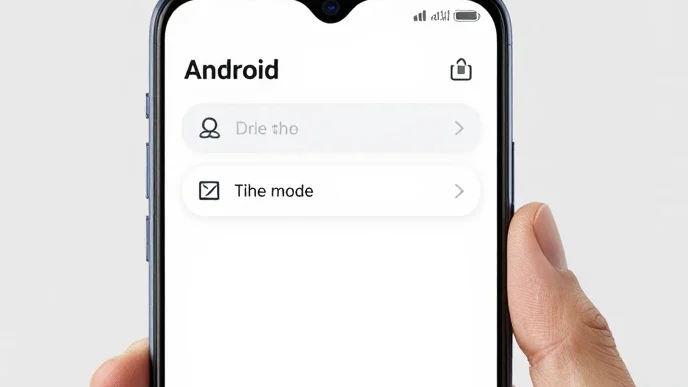
Modern smart phones have display making them difficult to use with one hand.

One-Handed Mode moves the screen downward so you can easily reached everything with your thumb.

You can usually find it under:

  • Settings → System → Gestures → One- Mode

Android Feature: 6 QR Code Wi-Fi Sharing
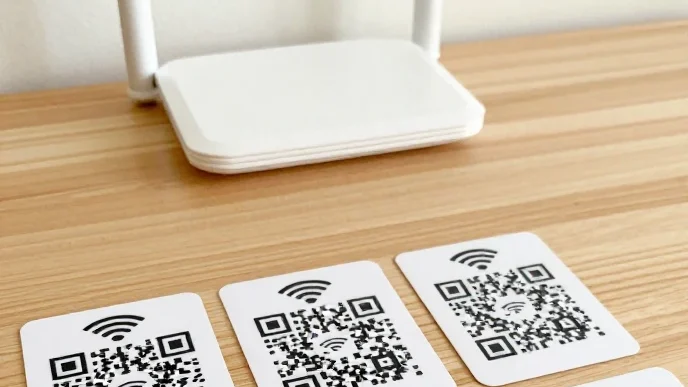
If you typed a long Wi-Fi password and Android lets you share your Wi-Fi code using a QR code.

Simply:

  • Open your Wi-Fi setting.
  • Select your network.
  • Tap Share.
  • Show the QR code.

The other person only needs to scan it.

Android Feature: 7 Focus Mode
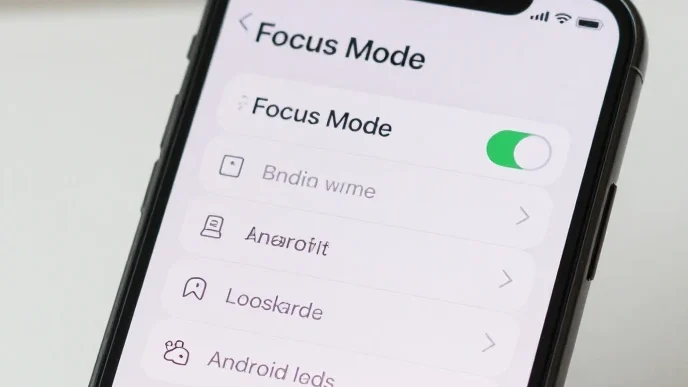
Social media notifications can reduce productivity.

Focus Mode temporarily pauses distracting apps like:

  • Facebook
  • Instagram
  • TikTok
  • YouTube

This helps you stay focused while studying or working.

Android Feature: 8 Nearby Share (Quick Share)
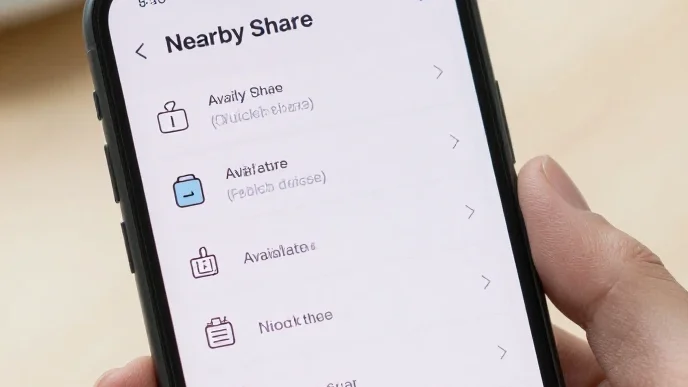
Nearby Share makes transferring files between Android devices wireless.

You can send:

  • Photos
  • Videos
  • Documents
  • Apps

No USB cable is required.

Android Feature: 9 Smart Lock
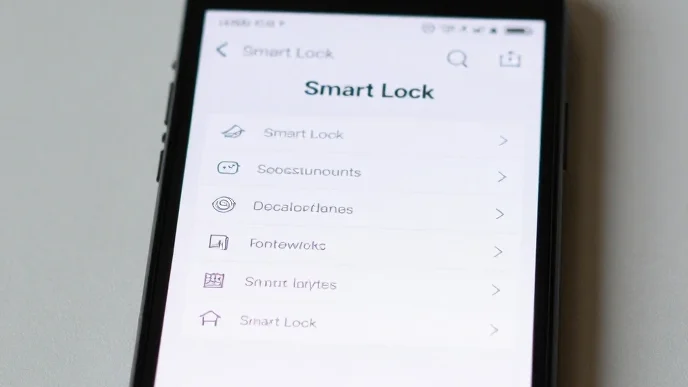
Constantly unlock your phone can be annoying.

Smart Lock keeps your device unlocked when you want:

  • You’re at home.
  • Connected to trusted Bluetooth devices.
  • Carrying the phone.

This provides convenience while maintaining security.

Android Feature: 10 Hidden Developer Options
Developer Options contains settings that can improve performance.

One popular trick is reducing animation speed.

Go to:

  • About Phone
  • Tap Build Number seven times.

Then change:

  • Window Animation Scale
  • Transition Animation Scale
  • Animator Duration Scale

Set them to 0.5x for an user experience.

Android Feature: 11 Digital Wellbeing
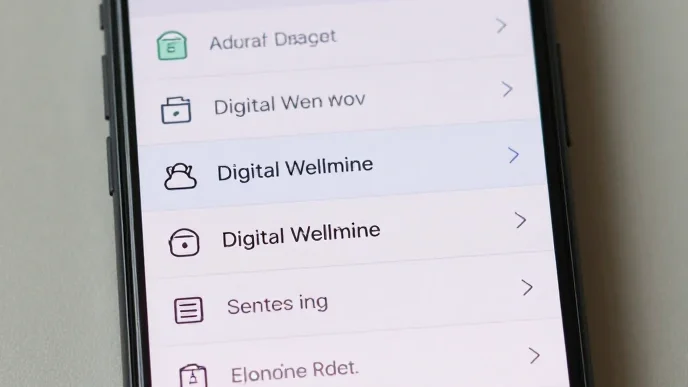
Digital Wellbeing helps you monitor your phone usage.

You can:

  • Track screen time.
  • Set app limits.
  • Schedule bedtime mode.
  • Reduce distractions.

This feature for maintaining a healthy digital lifestyle.

Android Feature: 12 App Permissions Dashboard
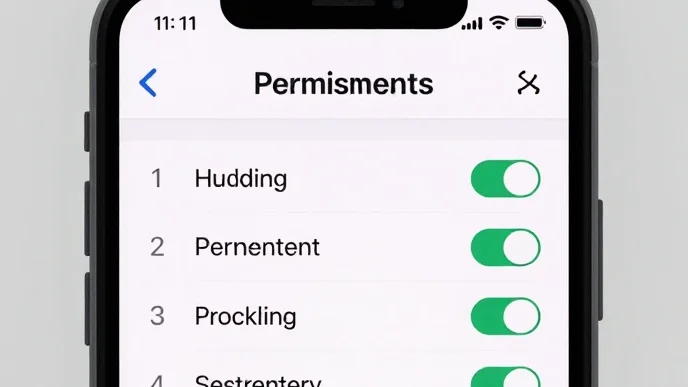
Android allows you to see which apps access:

  • Camera
  • Microphone
  • Location
  • Contacts

Regularly reviewing permissions helps protect your privacy.

Android Feature: 13 Battery saver 
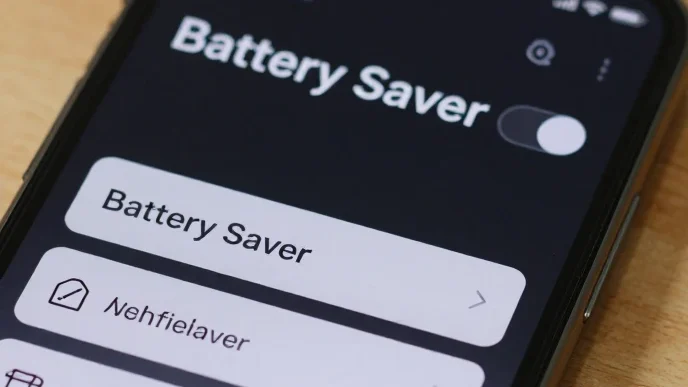
Battery saver learn that which app you used often and limits battery use for less frequently apps.

Benefits included:

  • battery life.
  • Better phone performance.
  • Reduced background activity.

Android Feature: 14 Voice Access
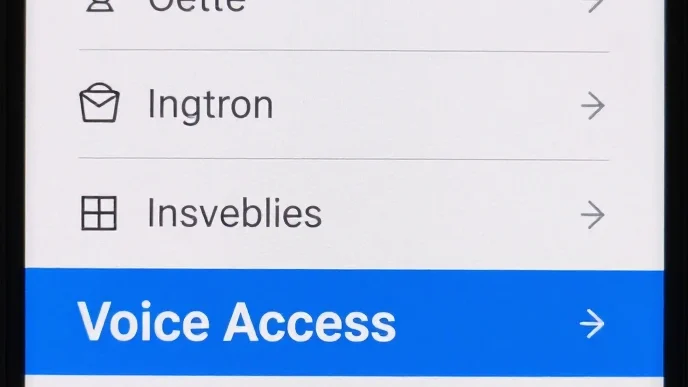
Voice Access lets you control your phone entirely with your voice command.

You can:

  • apps.
  • Scroll.
  • Type messages.
  • Click buttons.

This feature is useful for both accessibility and free hand use.

Android Feature: 15 Emergency SOS
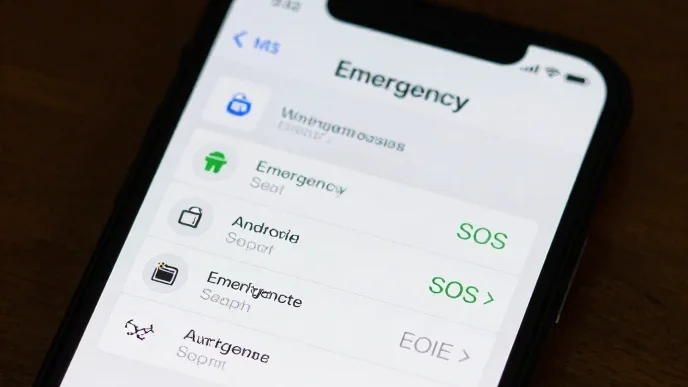
Many Android phones included SOS.

With a button press your phone can:

  • Call emergency services.
  • Share your location.
  • Notify emergency contacts.
  • It’s a feature everyone should set up.

Why These Features Matter

Many Android users only use phone functions and never explore the hidden tools built into the operating system. These features can help you:

  • Improve productivity.
  • Increase privacy.
  • Save battery.
  • Work faster.
  • Stay organized.
  • Enhance security.

Take a few minutes to enable these settings can significantly improve your overall Android experience.

Final thought

Android is much more than a mobile operating system it includes hidden features designed to make every tasks easy, safe and more efficient. From Notification History and Split Screen to Smart Lock and  SOS these built a tool can completely change the way you use your smartphone.

explore your phone settings today you discover features that you’ve never used before a small changes can make your android device smarter faster and more reliable.

Share. Facebook Twitter Pinterest LinkedIn Tumblr WhatsApp Email
Previous ArticleBest B2B Prospecting Tool: How to Find and Convert High-Quality Leads in 2026
Next Article Top AI Tools for Students in 2026
admin
  • Website

Related Posts

15 Android Battery Saving Tips to Make Your Phone Longer

August 23, 2026

How to fix Android Phone Lagging: 10 Easy Ways

August 13, 2026

1 Comment

  1. Pingback: Windows 11 Speed Up: 15 Easy Ways can fast Your PC in 2026

Leave A Reply Cancel Reply

Don't Miss
Android

15 Android Battery Saving Tips to Make Your Phone Longer

By adminAugust 23, 20260

We use our smartphones for pretty much everything these days. We use them to browse…

UploadBlog.com Homepage: A Guide to the Publishing Platform

August 22, 2026

UploadBlog.com Publishing Platform: A Simple Guide for Online Publishing

August 22, 2026

15 Google chrome tips and tricks to browse faster and smarter in 2026

August 22, 2026
Top Posts

Uploadarticle Com Hot: What It Means and Why People Are Searching For It

July 17, 2026

15 Android Hidden Features should you know in 2026

August 3, 2026

SEO Agency in Australia Uploadarticle: A Complete Guide to Choosing the Right Digital Partner

July 19, 2026

UploadArticle.com Authors: Who They Are and Why They Matter

July 20, 2026
Stay In Touch
  • Facebook
  • Twitter
  • Pinterest
  • Instagram
  • YouTube
  • Vimeo

Subscribe to Updates

Get the latest creative news from SmartMag about art & design.

By subscribing, you agree to our Terms and our Privacy Policy agreement.
Editors Picks
Top Reviews
Don't Miss
Android

15 Android Battery Saving Tips to Make Your Phone Longer

By adminAugust 23, 20260

We use our smartphones for pretty much everything these days. We use them to browse…

UploadBlog.com Homepage: A Guide to the Publishing Platform

August 22, 2026

UploadBlog.com Publishing Platform: A Simple Guide for Online Publishing

August 22, 2026

15 Google chrome tips and tricks to browse faster and smarter in 2026

August 22, 2026
Stay In Touch
  • Facebook
  • Twitter
  • Pinterest
  • Instagram
  • YouTube
  • Vimeo
Our Picks

15 Android Battery Saving Tips to Make Your Phone Longer

August 23, 2026

UploadBlog.com Homepage: A Guide to the Publishing Platform

August 22, 2026

UploadBlog.com Publishing Platform: A Simple Guide for Online Publishing

August 22, 2026

15 Google chrome tips and tricks to browse faster and smarter in 2026

August 22, 2026

Subscribe to Updates

Get the latest creative news from SmartMag about art & design.

By subscribing, you agree to our Terms and our Privacy Policy agreement.
About Us
About Us

About Us

Your trusted source for technology, SEO, AI, and digital insights. Best Tips Technology publishes simple, informative, and practical content to help readers stay updated with the latest tech trends and online tools.

We're accepting new partnerships right now.

Email : admin@besttipstechnology.com

Facebook X (Twitter) Pinterest YouTube
Our Picks

15 Android Battery Saving Tips to Make Your Phone Longer

August 23, 2026

UploadBlog.com Homepage: A Guide to the Publishing Platform

August 22, 2026

UploadBlog.com Publishing Platform: A Simple Guide for Online Publishing

August 22, 2026
Most Popular

15 Android Battery Saving Tips to Make Your Phone Longer

August 23, 2026

The Future of AI: How Artificial Intelligence Will Change the life

July 19, 2026

UploadArticle.com Tools: A Complete Guide for Writers and Publishers

July 20, 2026
Facebook X (Twitter) Instagram Pinterest
© 2026 Best Tips Technology. All rights reserved.

Type above and press Enter to search. Press Esc to cancel.

Sign In or Register

Welcome Back!

Login to your account below.

Lost password?